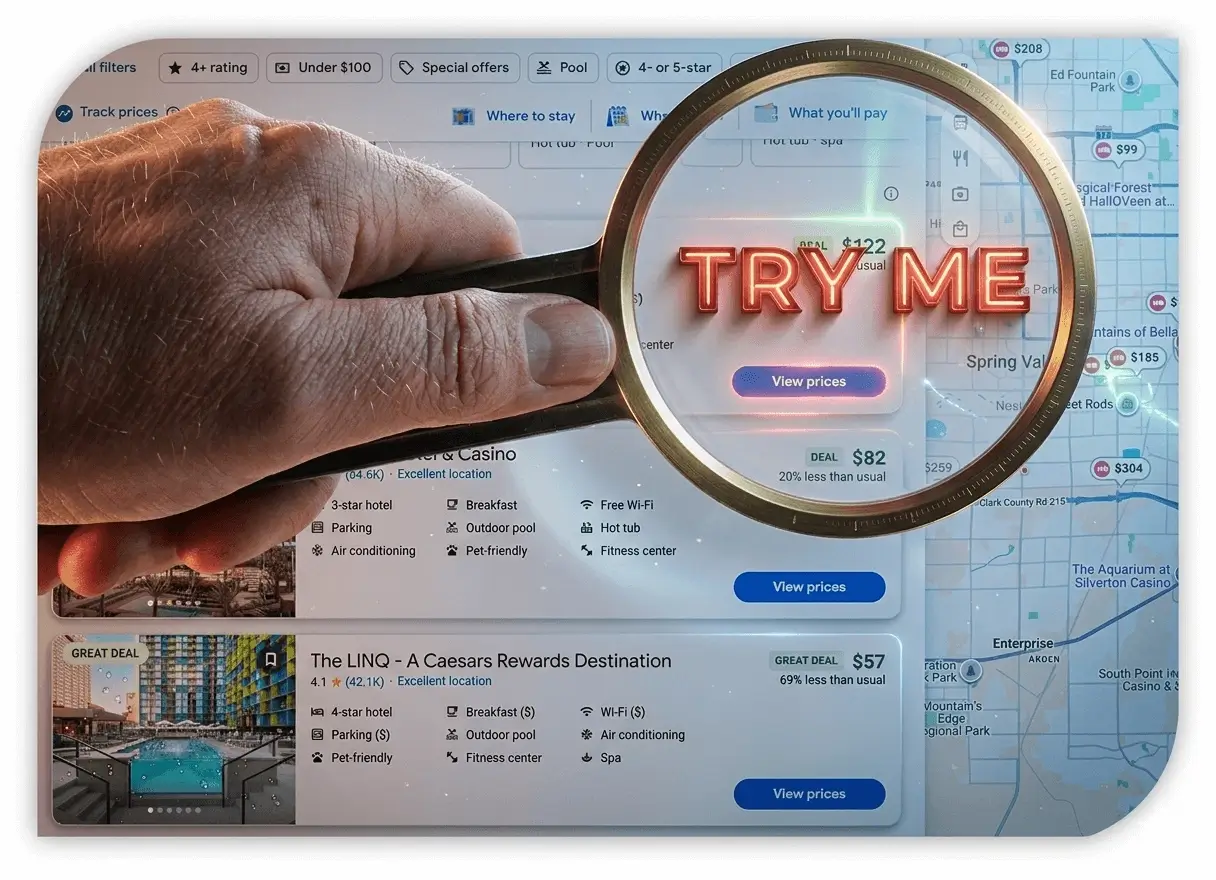
Google Hotel Search helps travelers compare hotels, locations, reviews, amenities, and room prices supplied by hotels and booking partners. After choosing an option, carefully confirm the final price and booking conditions on the provider's website.
Google Hotel Search, formerly associated with the name Google Hotel Finder, is Google's hotel discovery and price-comparison experience.
Travelers can search by destination, set dates, compare hotel locations and amenities, read reviews, view photos, and open booking offers supplied by participating hotels and travel partners.
Google says hotel prices come from hotel owners, online travel agencies, metasearch services, and other travel providers. Partners must follow Google's price-accuracy policy, but hotel prices and room availability can change quickly, so always check the final total before completing a reservation.
Compare Hotels
Compare prices, ratings, amenities, photos, locations, and booking offers in one research flow.
Booking Offers
Review current booking links and prices supplied by participating hotels and travel providers.
Reviews & Maps
Use reviews, photos, map position, nearby places, and neighborhood context when comparing stays.
Google Maps vs. Google Travel: How to Choose
Feature
Google Hotel Search
Google Maps Hotels
Primary use
Compare destinations, dates, filters, and booking offers.
Explore location, neighborhood context, directions, and nearby places.
Useful information
Room prices, deal labels, ratings, amenities, and booking links.
Map position, photos, reviews, local businesses, and travel times.
Best suited for
Broad hotel research and price comparison.
Choosing the most practical area or finding hotels nearby.
Scroll the table sideways to compare both options →
The Role of AI in Google Hotel Search
Google is adding AI-assisted travel planning and hotel research features in supported products and markets. These tools can help summarize information or refine a request, but available features vary. Always verify dates, room details, prices, and policies on the final booking page.
Price-check tip: Google requires participating partners to provide taxes and mandatory fees, but the way base and total prices are emphasized can vary by country. Use the available price display controls and confirm the final amount before payment.
Google Hotel Search Frequently Asked Questions
Search for hotels on Google, enter your destination and dates, apply the available filters, and choose a hotel. Select a price or booking link to continue to the participating hotel or travel provider's website.
Google displays booking options and may be compensated for hotel ads or some completed bookings. The selected hotel or booking partner controls its rate, payment terms, and booking policies.
Google requires hotel-price partners to follow a price-accuracy policy and regularly checks prices. Because rates and availability can change quickly, verify the final cost, taxes, fees, currency, room type, and cancellation terms on the booking page.
Yes. Hotel detail pages can include ratings, reviews, photos, amenities, location information, contact details, directions, and booking options when available.
Available filters may include price, user rating, hotel class, amenities, dates, and number of guests. You can also sort results and use the map to focus on a specific location.
Yes. Travelers can search for hotels through Google Search and Google Maps on mobile. Some users may also see hotel research through Google Gemini or AI-assisted Google experiences, depending on availability.
Google Last-Minute Hotel Deals
Google Hotel Search can display same-day and last-minute availability when participating hotels and booking partners provide it. A last-minute room is not automatically discounted, so compare the final total and booking terms rather than relying only on a deal label.
Non-refundable rates may cost less in some searches, but they provide less flexibility. Before choosing one, consider whether your plans could change and compare it with rooms offering free cancellation.
Need a hotel now?Compare live rates for tonight, tomorrow, or your next trip.
Go to Google Hotels, use Google Search, or open Google Maps.
Enter a city, region, hotel name, address, or a phrase such as hotels near me.
Select your travel dates and number of guests.
Open the complete hotel results to compare listings and map locations.
Narrow Your Google Hotel Search
Confirm the destination, dates, and number of guests.
Use available filters for price, user rating, hotel class, amenities, or other preferences.
Sort results by price or rating when those options are available.
Use the map to compare the location and nearby alternatives.
Google Hotel Booking
Select a hotel and review its detail page.
Choose View prices or another available booking option.
Verify your dates, guests, room type, final price, and cancellation terms.
Continue to the selected hotel or travel partner's website and complete the reservation there.
Direct questions about changes, cancellations, or refunds to the booking provider shown on your confirmation.
BusinessHotels.com vs. Google Hotel Search
BusinessHotels.com offers a direct hotel-search form for destination, dates, guests, and rooms. You can search by city, hotel name, brand, or nearby location, then review available rooms and booking conditions.
On mobile, the Hotels Near Me option can identify a nearby city before dates are selected. Google Hotel Search provides a broader comparison of offers from participating hotels and travel partners. Neither service is guaranteed to have the lowest price for every stay.
Use Google Hotel Search when…
You want broad discovery, map-based research, reviews, photos, neighborhood context, and booking offers from multiple participating travel providers.
Use BusinessHotels.com when…
You already know the hotel, brand, or location and want a focused path to live room rates, nearby alternatives, and last-minute availability.
Compare another waySearch a hotel by name, destination, brand, or nearby location.
The BusinessHotels.com AI Hotel Price Finder is designed to make checking current rates and availability straightforward. Results and response times depend on the destination, dates, and live supplier availability.
Popular searches are ready. More hotel ideas load only when you reach this section.
Google, Google Hotels, Google Maps, Google Travel, Gemini, and related names are trademarks of Google LLC. BusinessHotels.com is an independent travel website and is not presented as Google or as an official Google service. Hotel rates, availability, price displays, and booking conditions can change and should be confirmed on the final booking page.
Plan your stayExplore hotel guides and destinations
Find a hotel near your plans, compare room offers, or check a booking detail before you pay.